FinOps Center
AI Cost Governance

Finally — application-level AI cost governance for Amazon Bedrock. Inside your AWS account.

Every enterprise running AI on AWS faces the same problem: Bedrock shows up as one line item with no visibility into which team consumed it. FinOps Center fixes that with IAM principal attribution, Application Inference Profile tracking, token governance, and MAP AI compliance — all conversational through Agent Bill.

Your Bedrock bill has no names on it.

WHY DID WE BUILD?

Amazon Bedrock shows up on the AWS bill as a single line item — “Amazon Bedrock: $42,000” — with no visibility into which team, application, or project consumed it.

Finance can't chargeback. Product Owners can't govern their consumption. FinOps teams can't enforce budgets. And nobody knows whether MAP AI credits are at risk because nobody knows which workloads are eligible.

FinOps Center uses AWS CUR 2.0 IAM Principal Cost Allocation — a native AWS feature — to put the names back on the bill. And Application Inference Profiles to unlock MAP AI credit eligibility at the same time.

HOW ATTRIBUTION WORKS

Every Bedrock call, attributed to the team that made it.

AWS CUR 2.0 captures the IAM role used for every Bedrock invocation. FinOps Center maps that role to the Product Owner who claimed it, flowing the spend through your financial hierarchy automatically.

CUR 2.0 captures the IAM principal
line_item_iam_principal = arn:aws:iam::736008242383:role/finopscenter-demo-app-bedrock-role

This records which application called Bedrock — not just which account. One dedicated IAM role per application is what makes workload-level attribution possible. Shared roles cannot be attributed to a single owner.

Step 1Application IAM RoleOne role per app — named, dedicated
Step 2CUR 2.0line_item_iam_principal
Step 3FinOps Center ClaimProduct Owner claims role to workload
Step 4Financial HierarchyBU → Dept → Portfolio → Product
Step 5Agent BillRole-scoped conversational governance

Application Inference Profile (recommended): When your application routes Bedrock calls through an Application Inference Profile, it surfaces as a distinct resource in CUR and unlocks MAP AI credit eligibility via the map-migrated tag. Attribution priority: inference profile takes precedence over IAM principal when both are present, preventing double-counting.

GETTING STARTED — FOUR PHASES

From zero visibility to workload-level AI spend intelligence.

Four phases, eight steps. From Bedrock setup to Agent Bill answering natural language AI cost questions — scoped to your role and hierarchy.

1
AWS Setup
Steps 1–2
2
Application Build
Steps 3–4
3
FinOps Center
Steps 5–7
4
Agent Bill Intelligence
Step 8
1
AWS Setup
Configure Bedrock model access and cost data export
1
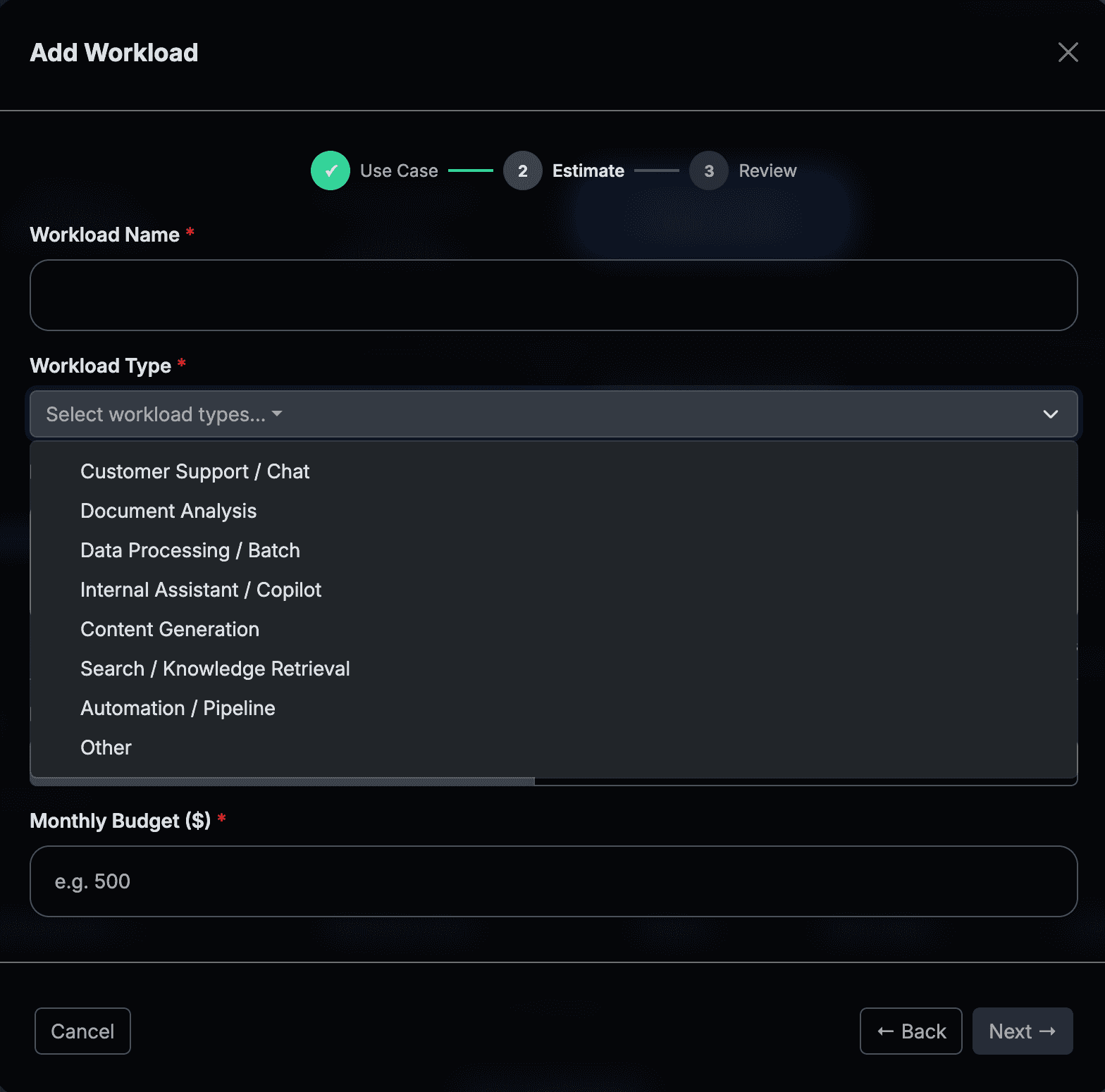
Enable Bedrock Model Access
AWS Console → Amazon Bedrock → Model access (in your application's member account)

Navigate to Amazon Bedrock in the AWS Console in the account where your application will run. Select Model access from the left navigation.

Click Manage model access and request access to the models your application will use. Access is typically granted within minutes for on-demand models.

2
Enable CUR 2.0 with IAM Principal Allocation
AWS Console → Billing and Cost Management → Data Exports (in your payer / management account)

Go to Billing and Cost Management → Data Exports in your payer account. Select your existing CUR 2.0 export and click Edit (or create a new one if you do not have CUR 2.0 yet).

Under “Data table content”, check the option: Include caller identity (IAM principal) allocation data

Save the export. The updated export will begin landing in S3 within 24 hours. Once the first file lands, manually trigger the Glue crawler to pick up the new column.

This adds line_item_iam_principal to every CUR row where a Bedrock call was made by an assumed IAM role — the attribution anchor for all AI workload allocation.

SELECT line_item_iam_principal,
       COUNT(*) AS invocations,
       SUM(line_item_unblended_cost) AS total_cost
FROM your_cur_table
WHERE line_item_product_code = 'AmazonBedrock'
  AND line_item_iam_principal IS NOT NULL
GROUP BY line_item_iam_principal
LIMIT 20;

Verify: Run the Athena query above once data lands to confirm line_item_iam_principal is populated with your application role ARNs before proceeding.

The CUR export must be recreated (not just edited) if it was originally created without IAM Principal support. Confirm with your FinOps Center administrator that the Glue crawler has been run and the new column is visible in Athena.

2
Application Build
Create the IAM role and Application Inference Profile that anchor your AI spend
3
Create the Application IAM Role
AWS Console → IAM → Roles (in your application's member account)

Use a descriptive, application-specific name. This name will appear in CUR and in FinOps Center exactly as you type it — make it recognisable to the Product Owner who will claim it.

Best practice: one role per application or workload. Shared roles cannot be attributed to a single owner.

Set the trust policy to allow your application's compute (Lambda, ECS task, EC2, etc.) to assume the role, and attach permissions to invoke Bedrock models.

// Trust policy — allow your compute to assume the role
{
  "Version": "2012-10-17",
  "Statement": [{
    "Effect": "Allow",
    "Principal": { "Service": "lambda.amazonaws.com" },
    "Action": "sts:AssumeRole"
  }]
}

// Permissions — allow Bedrock invocations
{
  "Version": "2012-10-17",
  "Statement": [{
    "Effect": "Allow",
    "Action": [
      "bedrock:InvokeModel",
      "bedrock:InvokeModelWithResponseStream"
    ],
    "Resource": "*"
  }]
}

Verify: Copy the Role ARN after creation. Example: arn:aws:iam::736008242383:role/finopscenter-demo-app-bedrock-role — you will need it in Phase 3.

4
Create an Application Inference Profile (Recommended)
AWS Console → Amazon Bedrock → Inference profiles → Create application inference profile

An Application Inference Profile wraps a foundation model and routes all Bedrock calls for a specific application through a named, taggable ARN. This enables:

  • MAP credit eligibility when tagged with map-migrated
  • A distinct resource in CUR (line_item_resource_id = inference profile ARN)
  • Richer attribution: profile name → application name, even without a dedicated IAM role

Configure with: Name finopscenter-demo-app-profile, select your foundation model, and add tag map-migrated if MAP-eligible.

// Before (direct model invocation)
modelId: "us.anthropic.claude-3-5-sonnet-20241022-v2:0"

// After (via Application Inference Profile — recommended)
modelId: "arn:aws:bedrock:us-east-1:736008242383:application-inference-profile/finopscenter-demo-app-profile"

Attribution priority: inference profile ARN takes precedence over IAM principal when both are present on the same CUR row. A claimed inference profile prevents the same cost being double-counted if the IAM role is also claimed.

3
FinOps Center Configuration
Claim the IAM principal, set estimates, and allocate to your portfolio hierarchy
5
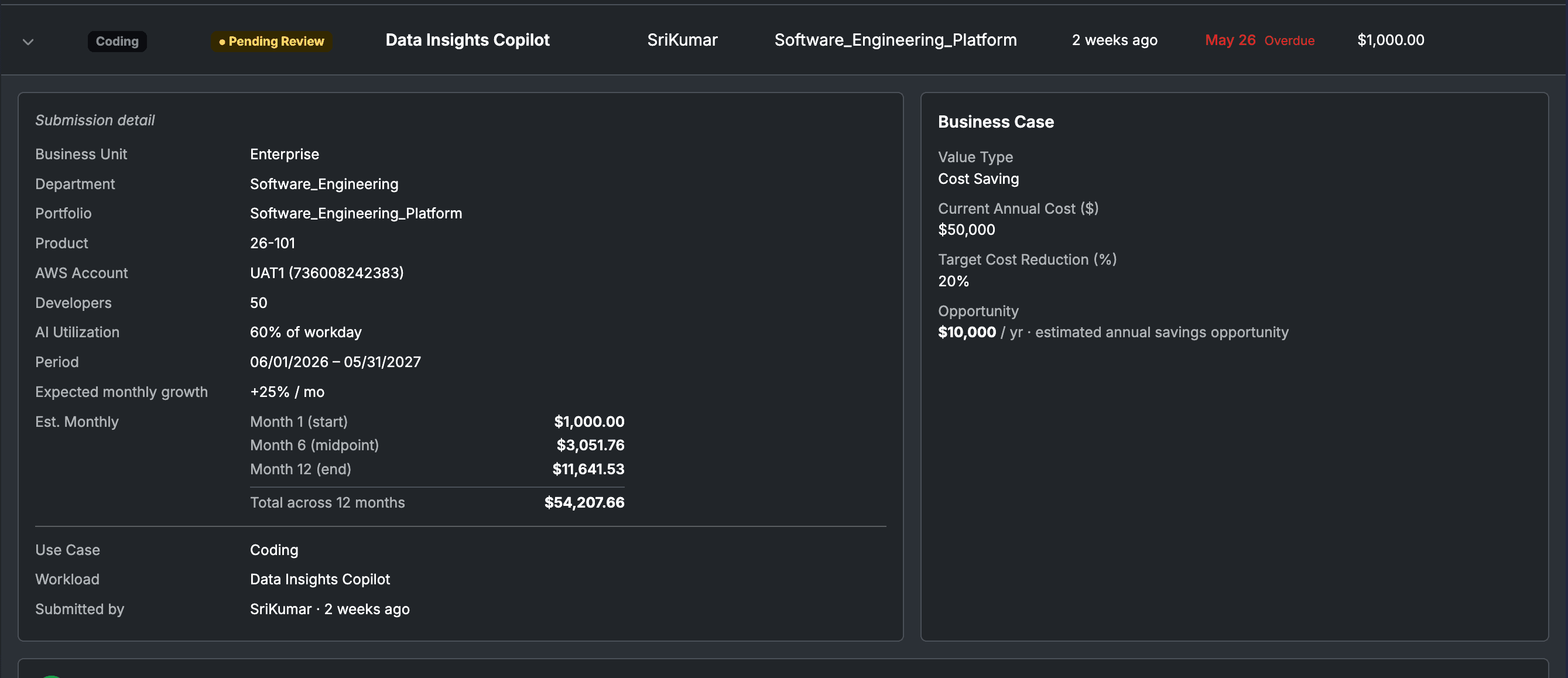
Claim the IAM Principal in Spaces
FinOps Center → Spaces → your Workload → AI Roles tab
Product Owner

Navigate to Spaces and open the Workload record for your application. Select the AI Roles tab (visible to Product Owners and Cloud Engineers).

Click Claim IAM Role and paste the IAM Role ARN from Step 3. If using an Application Inference Profile (Step 4), also paste the profile ARN.

FinOps Center will attempt to validate the ARN is present in your CUR data. If validation fails: confirm the CUR export has landed at least one Bedrock row for this role.

Set the Workload Type to AI Workload and click Confirm Claim. The claim date is recorded — allocation starts from this date only.

Verify: The AI Roles tab should show the claimed ARN with status "Active" and the claim date. The allocation engine will attribute Bedrock spend from this role to this workload on the next nightly run.

6
Set AI Token and Cost Estimates
FinOps Center → Spaces → your Workload → Estimates tab
Product Owner

In the Estimates tab, set the monthly AI budget for your workload. Choose your estimate type:

Dollar budget

Enter a monthly $ amount — FinOps Center back-calculates expected token volumes.

Token estimate

Enter expected monthly input tokens, output tokens, and cache read tokens separately.

The consuming application team sets the estimate because they know their usage patterns — request volume, prompt length, caching strategy. This becomes the baseline Agent Bill compares actual spend against.

7
Allocate to Portfolio Hierarchy
FinOps Center → Spaces → your Workload → Allocation tab
FinOps Leader or Product Owner

In the Allocation tab, assign the workload to its correct position in the element hierarchy:

element1 (Business Unit): Enterprise
element2 (Portfolio): Enterprise_Operations
element3 (Department): Enterprise_Operations_Technology
element4 (Workload): FinOpsCenter_DemoApp

Click Save Allocation.

Verify: After the next nightly rollup, this workload's AI spend will appear in the Spending Management view, in the Agent Bill Cost Management Topic (scoped to each user's RLS permissions), and in the FinOps Report Card.

4
Agent Bill Intelligence
Query your AI spend in natural language via the Cost Management Topic
8
Query AI Spend via Agent Bill
FinOps Center → Agent Bill chat interface (also available via mobile and Slack)

Open FinOps Center and navigate to the Agent Bill chat interface. Log in with your Cognito credentials — your role determines what data you can see (RLS enforced at the QuickSight dataset level).

Agent Bill routes AI spend questions to the Cost Management QuickSight Topic automatically based on question type. No configuration needed.

"What is my AI spend?"
Cost Management Topic (Q Topic)
"Am I over my AI budget?"
MCP (budget data) + Cost Management Topic (actual spend)
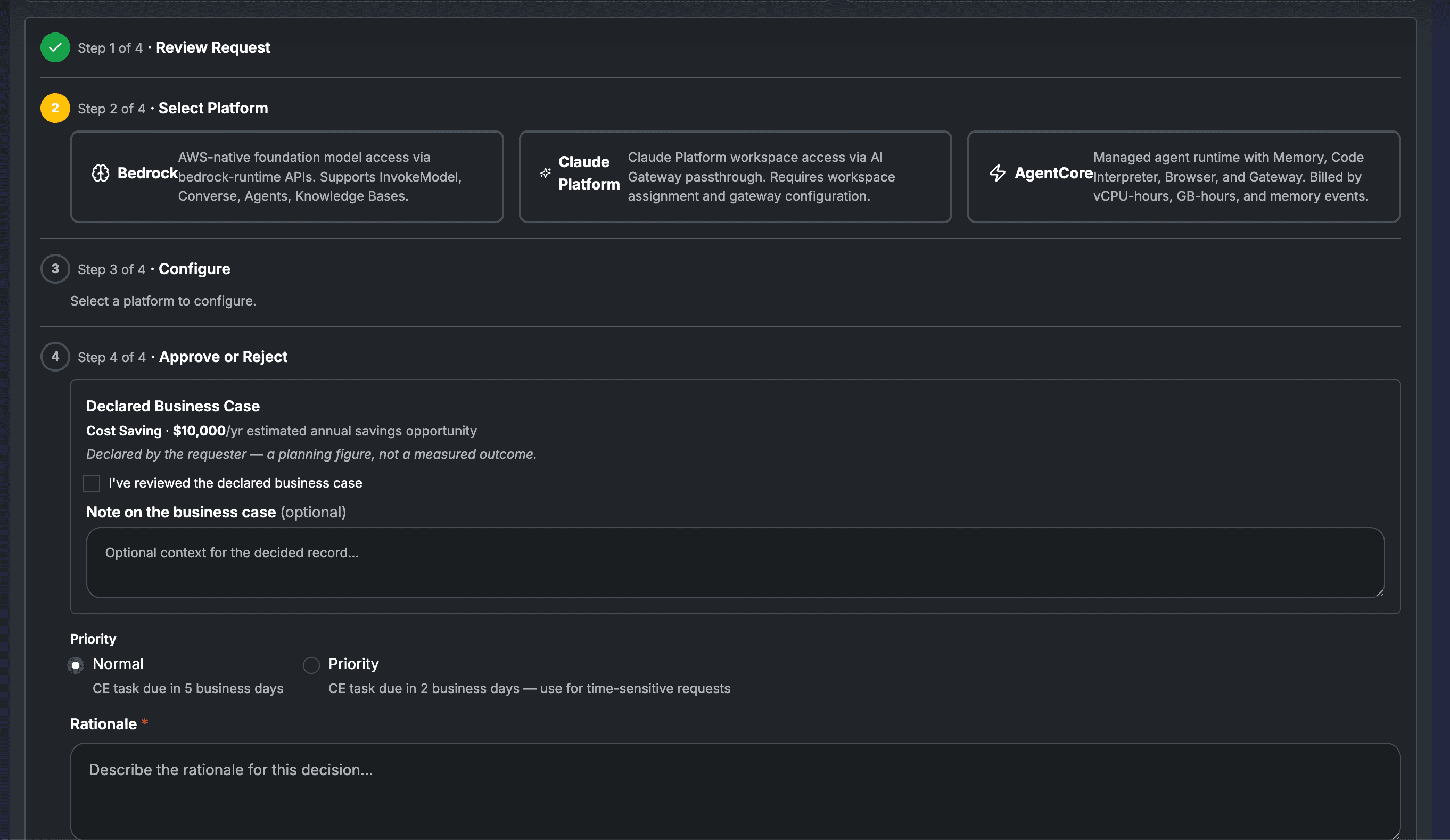
"Approve this Bedrock spend"
MCP (approval workflow)
CONVERSATIONAL GOVERNANCE

Ask Agent Bill. Get answers.

Once IAM principal is claimed and CUR data has landed with the new column, these queries are all supported by the Cost Management Topic.

Product Owner

Am I within my AI estimate this month?

Agent Bill
Agent Bill

Your output tokens are 2× your estimate — on track to exceed budget by $200 this month. Your cache hit rate is 18% — below the healthy threshold. Tightening your prompt cache could recover most of the overage.

Portfolio Manager

Which of my products is spending the most on Bedrock?

Agent Bill
Agent Bill

HR Portal leads at $14,200 this month, followed by Customer Insights at $9,400. Three of your products have unclaimed IAM roles totaling $3,800 in unattributed Bedrock spend — Product Owners need to claim them.

FinOps Leader

Are we on track for MAP AI credits this quarter?

Agent Bill
Agent Bill

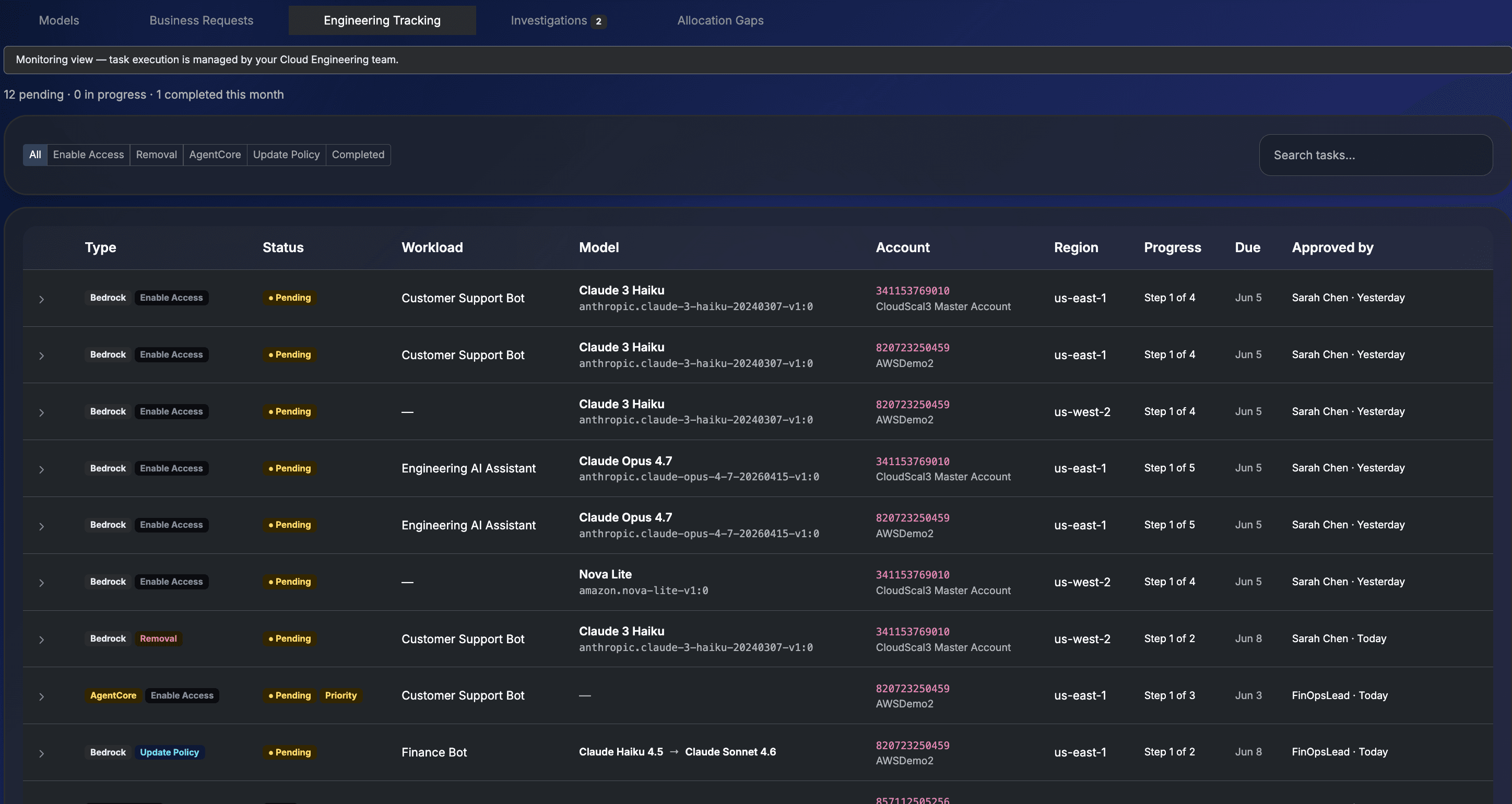
You have $34,200 in qualifying MAP AI spend. $8,600 is at-risk — 4 workloads need Application Inference Profiles created. I have queued the compliance tasks for your Cloud Engineers.

Full query reference
Sample QuestionPersonaWhat Agent Bill Returns
"What is my total AI spend this month?"All rolesTotal Bedrock cost across all claimed IAM principals in your hierarchy
"Show me AI spend by application"FinOps LeaderBreakdown of Bedrock spend per claimed IAM role / workload
"What is my cache hit rate?"Product OwnerRatio of cache_read tokens vs total input tokens — shows prompt caching efficiency
"Which workload is spending the most on AI?"FinOps LeaderRanked list of AI spend by claimed workload across the portfolio
"Show me my AI spend by model"Cloud EngineerBedrock spend split by foundation model (Claude 3.5 Sonnet, Nova, Titan, etc.)
"What are my input vs output token costs?"Product OwnerToken type breakdown — input, output, cache_read, cache_write
"Am I over my AI budget this month?"Product OwnerCompares actual AI_Cost against the estimate set in Spaces (MCP + Q Topic combined)
"Show me AI spend by region"Cloud EngineerBedrock cost by AI_Region_Type — cross-region inference vs same-region

WHAT YOU GET

Six capabilities. One AI governance layer.

Built on AWS-native services. Deployed inside your account. Operated by the people who own the spending.

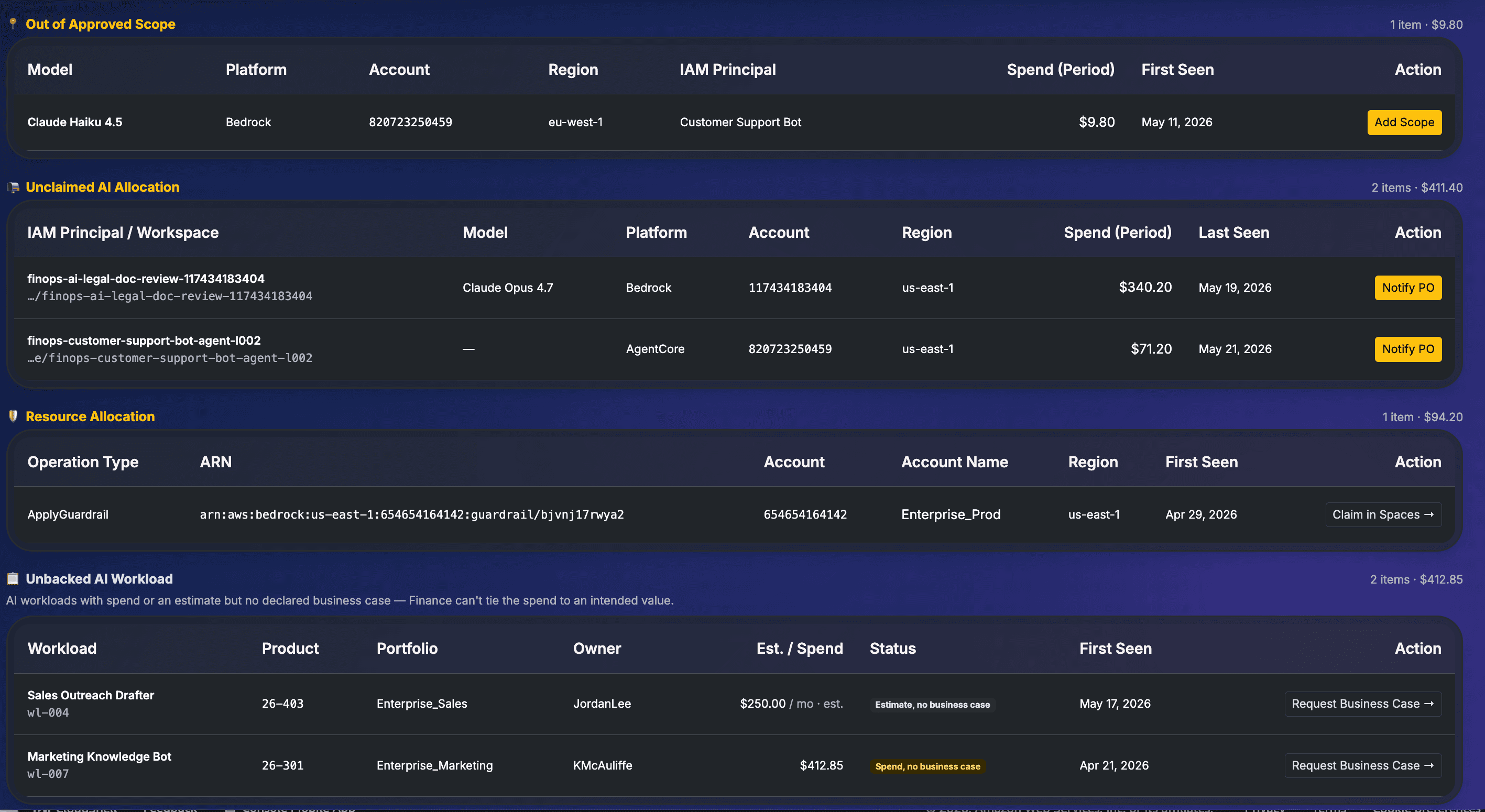
AI Cost Attribution

IAM principal-based chargeback. Bedrock spend rolls up to the Product Owner who claimed the application — not just the account.

Token Governance

Set token estimates per workload. Track input, output, and cache-read tokens separately. Get alerted when actuals diverge from estimates mid-cycle.

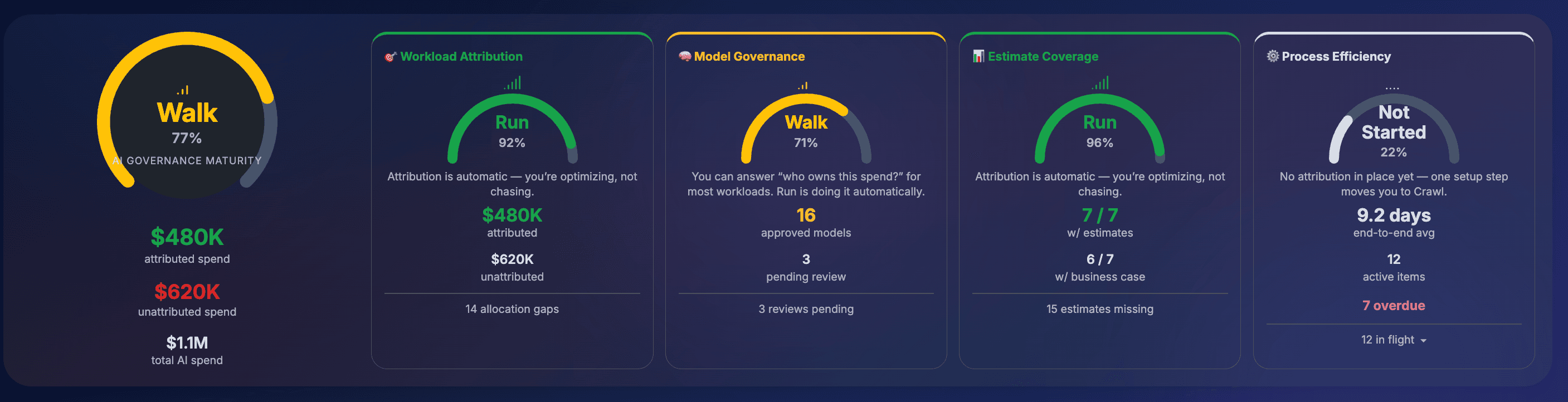
MAP AI Compliance

Application Inference Profile tracking. Compliance task queue surfaces exactly which workloads need profiles created — before credits are at risk.

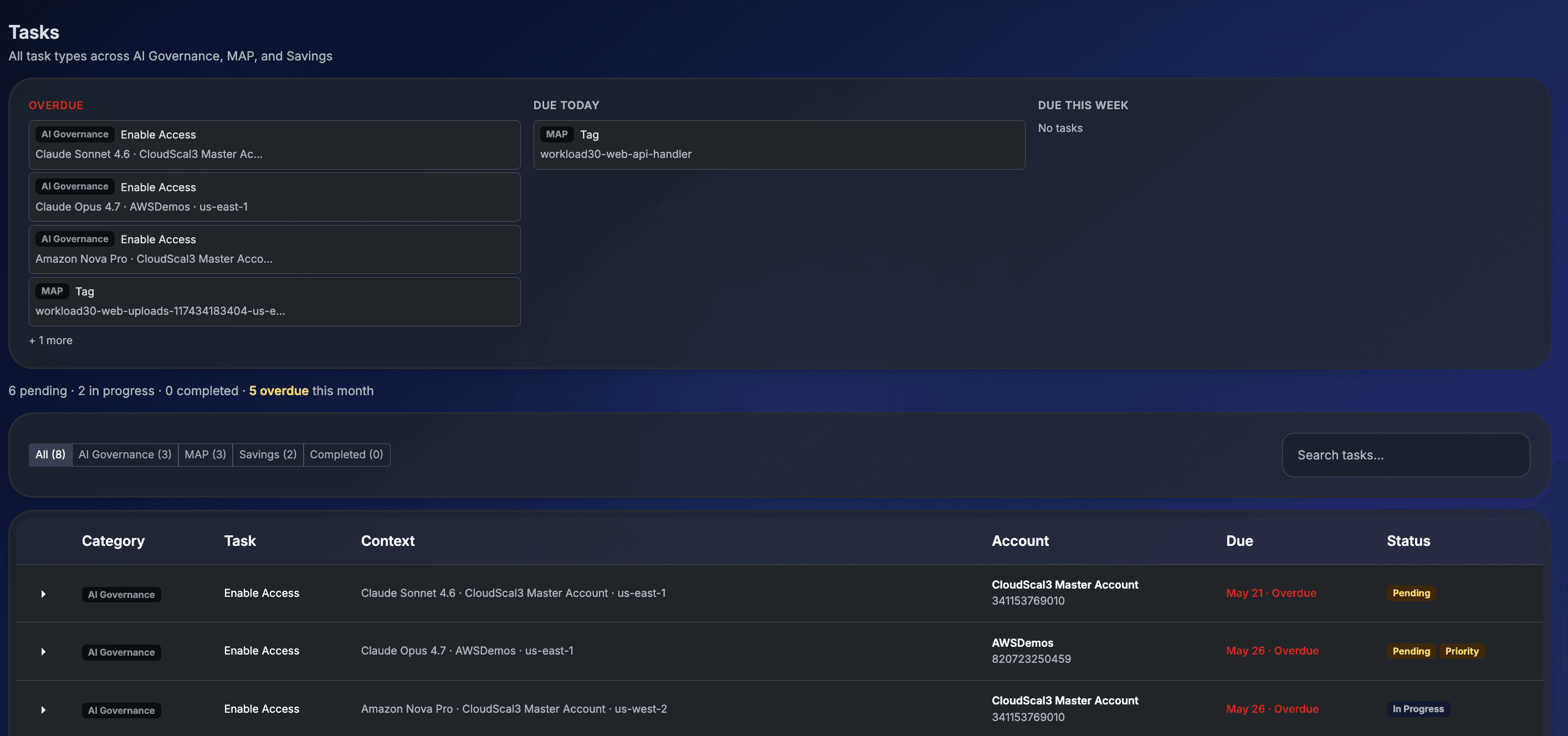
AI Model Governance

Detect unapproved model usage by workload. Know which teams are using which Bedrock models, with policy enforcement from the same interface.

Agent Bill AI Governance

Conversational layer across all dimensions. Product Owners, Portfolio Managers, FinOps Leaders all ask the questions their role needs — get role-scoped answers.

In-Account Architecture

CloudFormation-deployed inside your AWS account. Data never leaves your environment. Zero data egress. Full control over your CUR, your hierarchy, your governance.

TROUBLESHOOTING

Agent Bill returns no data for AI spend questions

Check: (1) Has the CUR export landed in S3 with the line_item_iam_principal column? Run the Athena validation query from Step 2. (2) Has the Glue crawler been triggered manually after the first file landed? (3) Has the nightly rollup run since the claim was created in Spaces?

The IAM role ARN fails validation in Spaces

The role ARN will only validate if there is at least one CUR 2.0 row where line_item_iam_principal matches that ARN. If your application has not yet invoked Bedrock using the new role, make a test invocation first, then wait for the next CUR delivery (up to 24 hours) before claiming.

AI spend appears in CUR but is not allocated to the workload in FinOps Center

Confirm the claim date in Spaces is on or before the usage dates you are checking. FinOps Center only attributes spend from the claim date forward — historical spend before the claim date is not retroactively allocated.

The same Bedrock spend appears to be counted in two workloads

This is the double-count scenario. Check: does the CUR row have both an inference profile ARN (line_item_resource_id) AND an IAM principal ARN (line_item_iam_principal)? If both are claimed, the allocation engine applies the priority rule — inference profile wins. Verify only one claim type is active per spend row.

HOW WE COMPARE

The architectural advantage competitors can't easily replicate.

IAM principal attribution requires CUR 2.0 with that feature enabled, joined to a financial hierarchy that maps roles to business owners. Other tools don't have the hierarchy. They don't have the claiming model. They certainly can't do it from inside your account.

CapabilityVantage / nOps / Finout / CloudZeroFinOps Center
Bedrock spend visibilityAccount level onlyApplication → Workload → Budget
Team-level chargeback
Token-level breakdownBasicInput / Output / Cache per workload
Estimate vs actual tracking
Cache hit rate per workload
Application Inference Profile tracking
MAP AI credit compliance
Conversational governance
In-account data residencyCross-account role requiredData never leaves your AWS
Unapproved model detection